Freelancer Home Office Setup: Tools, Layouts, and Design Hacks
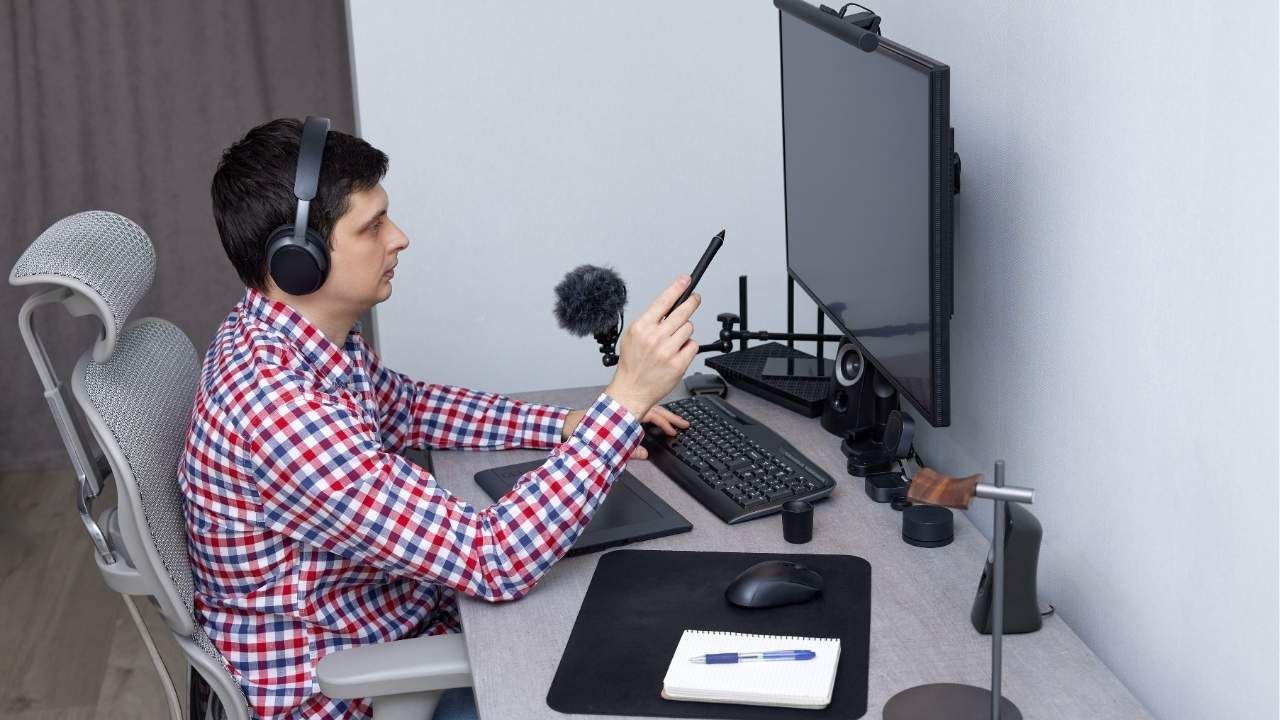
Working from home sounds simple, until you realize your kitchen chair is wrecking your back and your desk is buried in cables. A freelancer’s home office isn’t just a workspace; it’s the engine that powers productivity, creativity, and income.
In this guide, you’ll learn how to build a home office that actually supports your workflow. We’ll cover the essential tools freelancers rely on, smart layout ideas that maximize small spaces, and design hacks that make your office both functional and inspiring.
Start with the Right Furniture Foundation
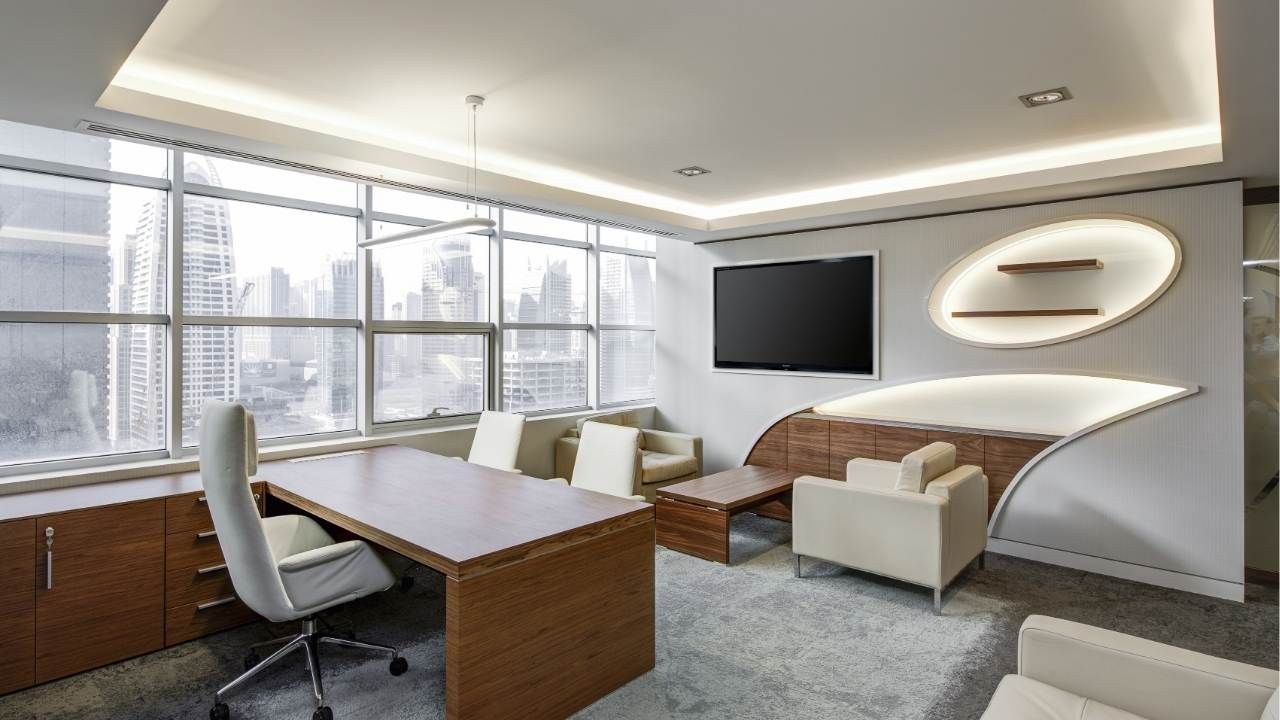
Every productive workspace begins with furniture that supports long hours of focused work. While many freelancers start with whatever they already own, upgrading your setup can dramatically improve comfort and efficiency.
If you're looking for high-quality office furniture Lafayette Indiana, investing in durable pieces designed for professional workspaces can make a noticeable difference.
When selecting furniture, prioritize pieces that adapt to your work habits. Modern freelancers benefit greatly from flexible office furniture that adjusts to different tasks throughout the day.
Look for these essentials:
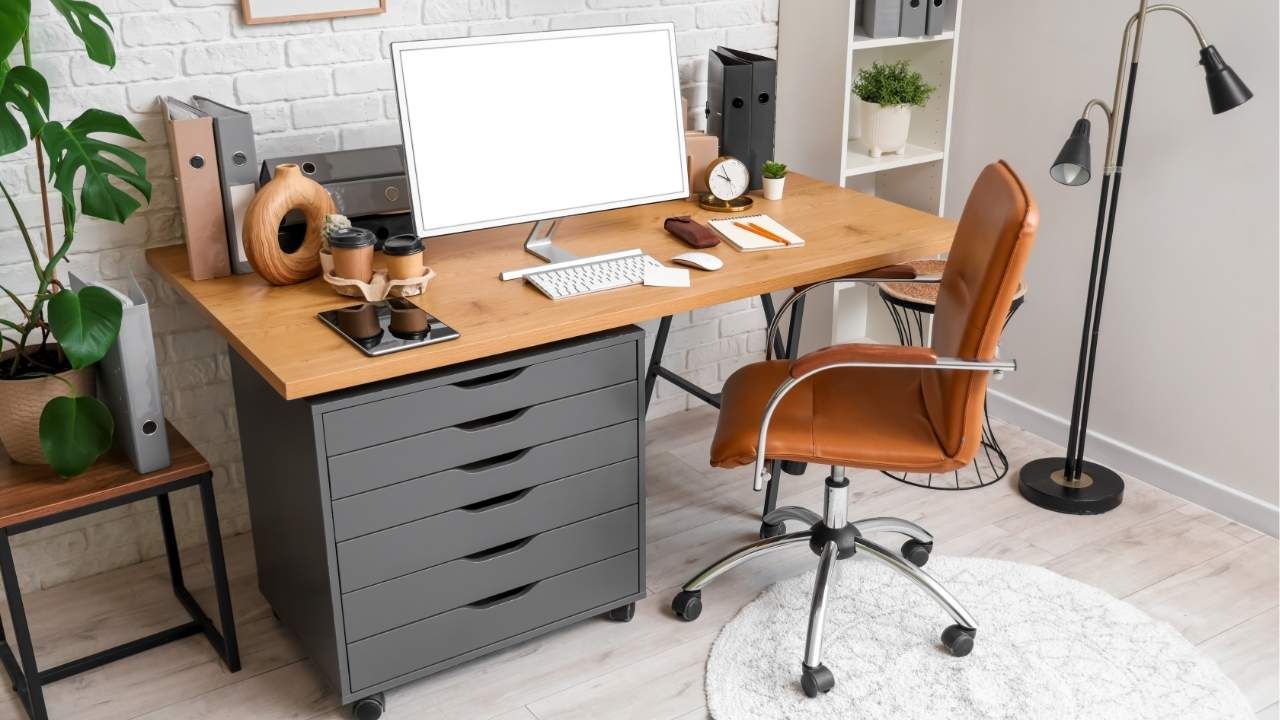
- An ergonomic chair with lumbar support
- A spacious desk that accommodates multiple monitors
- Adjustable standing desks for posture variety
- Storage units to keep clutter under control
Quality matters here. Many professionals choose products built by trusted companies and our manufacturers focus on creating furniture that balances comfort, durability, and smart design.
A strong furniture foundation ensures the rest of your workspace works with you, not against you.
Choose Tools That Boost Productivity
Furniture sets the stage, but the right tools bring the workspace to life. Freelancers often juggle multiple projects, clients, and deadlines, so efficiency tools are essential.
Here are some productivity must-haves:
- Dual monitors – reduce tab-switching and improve workflow
- Noise-canceling headphones – block distractions during deep work
- Wireless keyboard and mouse – create a cleaner desk setup
- Task management apps – tools like Trello, ClickUp, or Notion
Lighting is another overlooked tool. Natural light improves mood and focus, but if your space lacks windows, consider:
- LED desk lamps with adjustable brightness
- Warm lighting to reduce eye strain during long sessions
When your tools work smoothly, your brain can stay focused on the work that matters.
Smart Layouts for Small or Shared Spaces
Not every freelancer has a dedicated home office. Many work from spare bedrooms, living room corners, or even closets converted into micro-offices.
The key is designing a layout that minimizes distractions while maximizing efficiency.
Try these layout strategies:
The Corner Command Center
Placing your desk in a corner uses unused space while giving you two walls for shelving and storage.
The Minimalist Desk Wall
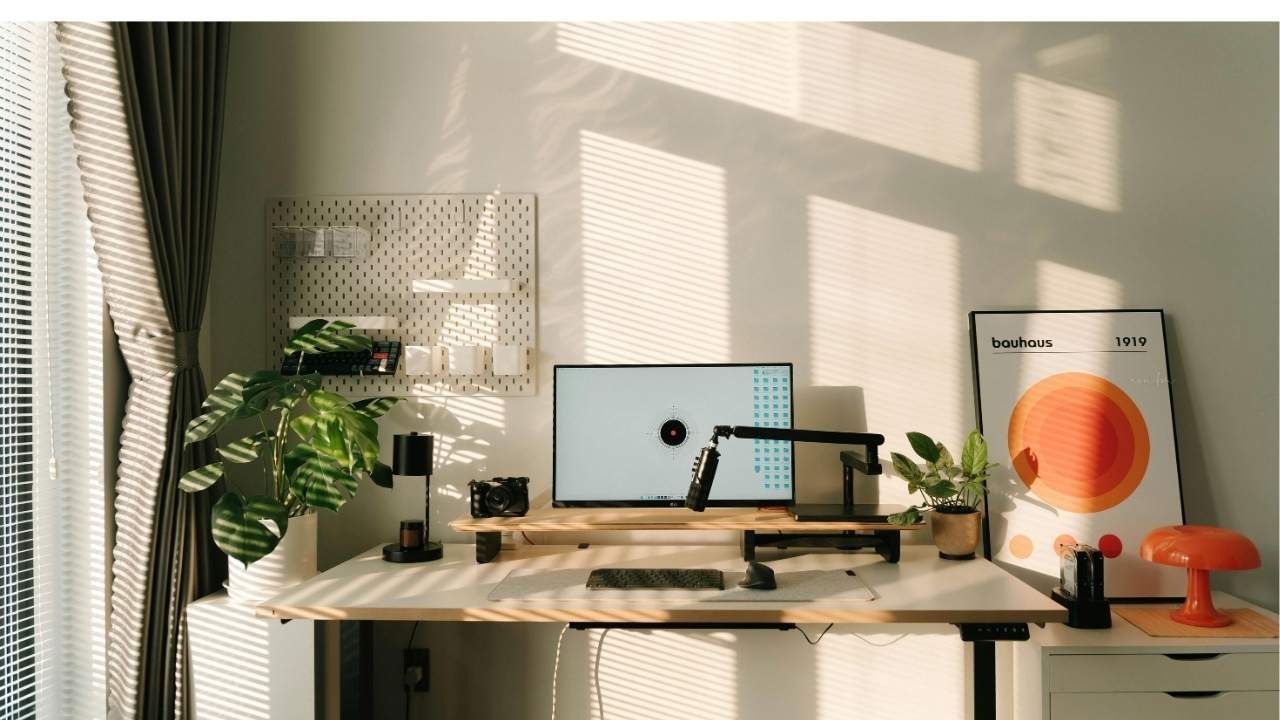
Mount floating shelves above your desk for vertical storage without cluttering the floor.
The Zoned Workspace
If you work in a shared room, create visual boundaries using:
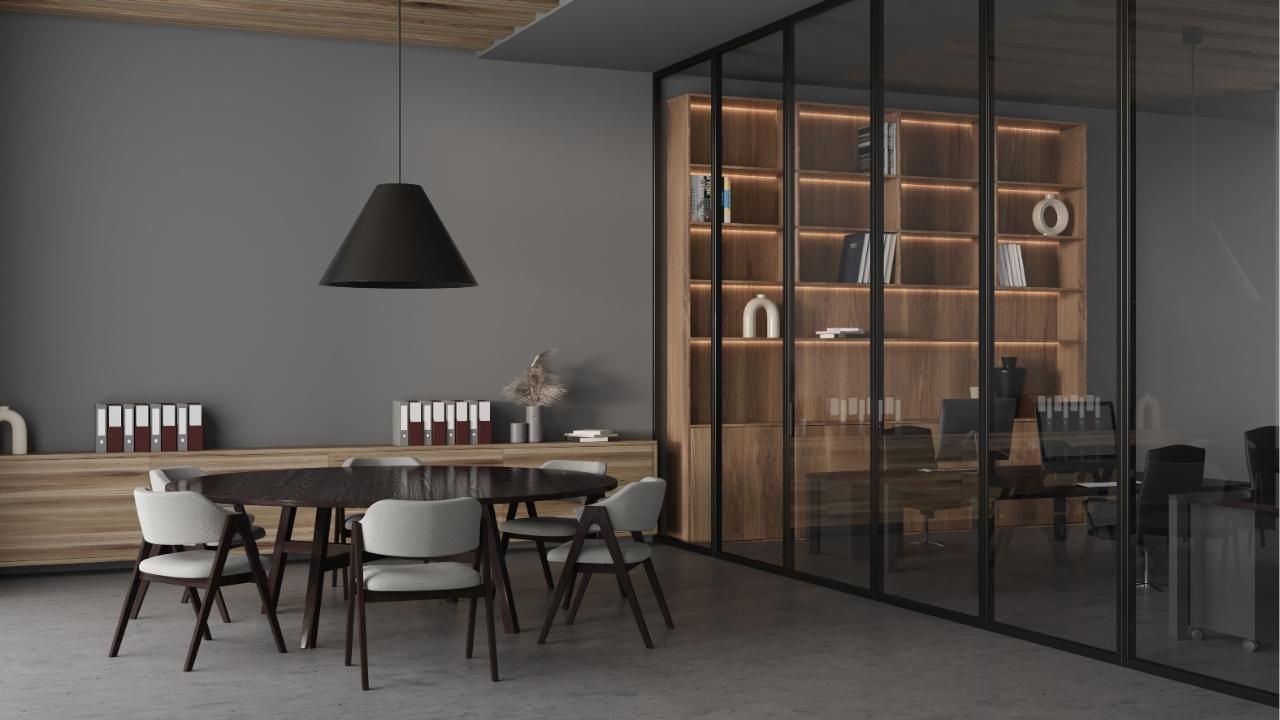
- Bookshelves
- Rugs
- Desk partitions
These simple adjustments signal to your brain that it’s time to work when you enter the zone.
Design Hacks That Inspire Creativity
Your office should be more than functional, it should energize you. A few thoughtful design tweaks can transform a dull workspace into a motivating environment.
Consider these upgrades:
- Add greenery: plants reduce stress and improve air quality
- Use color psychology: blues boost focus, greens encourage calm
- Display achievements: client testimonials, awards, or portfolio work
- Personalize carefully: photos and art add warmth without clutter
Another powerful trick is maintaining a visual reset rule: end each day with a clean desk. This small habit creates a fresh mental start every morning.
Case Study: How One Freelancer Doubled Productivity
Graphic designer Maya Lopez struggled with constant distractions while working from her dining table. Her laptop, paperwork, and drawing tablet were scattered across the space, making every project feel chaotic.
After creating a dedicated office corner, she installed a standing desk, added floating shelves, and upgraded to dual monitors. She also improved lighting and introduced plants for a calmer environment.
Within three months, Maya noticed major changes. She completed projects faster, reduced back pain, and felt more motivated to start work each morning. Her productivity improved so much that she increased her client capacity by nearly 40%.
Sometimes a smarter workspace is all it takes to unlock better results.
Build a Workspace That Works for You
Your home office doesn’t need to be massive or expensive, it just needs to be intentional. With the right furniture, tools, layout, and design touches, freelancers can create a space that supports deep focus and sustainable productivity.
If you’re ready to upgrade your setup with smarter workspace solutions designed for comfort and efficiency, explore quality options today and
shop now
to start building the office that works as hard as you do.